m6 mac mini vs mac studio m5 ultra for local llm
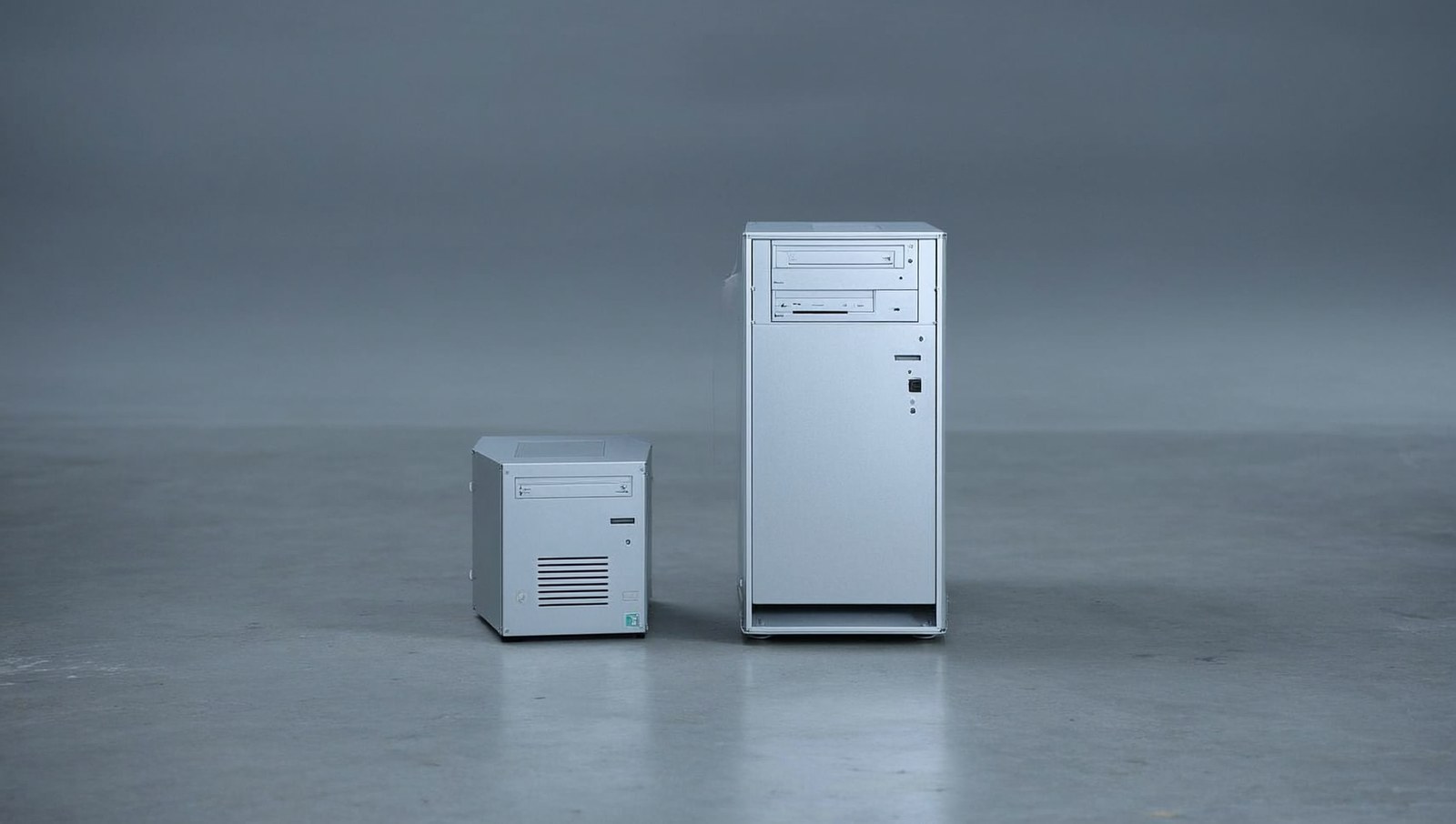
For local LLMs the Mac Studio M5 Ultra wins outright, and it isn’t a close fight. Two numbers decide it: unified memory (how big a model fits) and memory bandwidth (how fast tokens come out). The M6 Mac mini tops out at 32GB and 170GB/s; the M5 Ultra scales to 512GB at 1.2TB/s. The mini samples local LLMs — the Ultra runs them for real.
which is better for local llms, the m6 mac mini or the m5 ultra mac studio?
The M5 Ultra, by a mile — but “better” here is really “how big a model do you want to run.” A local LLM has to fit entirely in unified memory, and then bandwidth sets how fast it generates. The M6 Mac mini’s hard 32GB cap is the whole story: it’s a fantastic $899 on-ramp for small models and a non-starter for large ones. The $5,499-and-up M5 Ultra exists precisely to hold models the mini can’t even load. They aren’t really competitors — they’re a hatchback and a semi truck.
the two numbers that actually decide it
Forget CPU and GPU core counts for a second. For running models locally:
- Unified memory = the ceiling on model size. The weights have to live in RAM. 32GB fits a ~14B model with room for context; it does not fit a 70B. No amount of GPU makes an oversized model load.
- Memory bandwidth = how fast it feels. Once the model is loaded, token generation is bottlenecked by how fast the chip can stream those weights from memory. 170GB/s is fine for a 7B; it crawls on anything large. 1.2TB/s is roughly 7x that, which is why big models on the Ultra feel usable instead of like a science project.
Everything else is secondary to these two.
the spec comparison
| spec | M6 Mac mini | Mac Studio M5 Ultra |
|---|---|---|
| starting price | $899 | $5,499 |
| max unified memory | 32GB | 512GB |
| memory bandwidth | 170GB/s | 1.2TB/s |
| CPU | 12-core | up to 36-core |
| GPU | 12-core | up to 80-core |
| biggest LLM (4-bit, rough) | ~14B comfortable, ~32B tight | 70B easy, 120B fine, 400B+ possible |
| ships | Sep 22, 2026 | Sep 22 (512GB late Oct) |
| best for | trying local LLMs, small models | serious local inference, frontier-size models |
what size model can each one actually run?
Rule of thumb for a 4-bit quant: budget roughly 0.6GB of memory per billion parameters, plus context overhead.
- M6 Mac mini (32GB): 7B and 8B models fly, 13–14B is the comfortable home, a 32B fits if you keep context short. Great for a coding assistant, a local chatbot, or RAG over your own docs.
- M5 Ultra (up to 512GB): a 70B barely dents it, 120B is routine, and with the 512GB config you can hold 400B-plus quantized with room for huge context windows. This is the machine for running near-frontier models offline.
Apple’s own framing lines up: it pitches the M6 mini at “up to 13.5x faster LLM prompt processing” versus the M1 mini in LM Studio, while the Ultra is measured against the M1/M3 Ultra — different weight class, different benchmark peer.
so which should you actually buy?
Pick by the biggest model you genuinely intend to run, not by the spec sheet:
- Just getting into local LLMs, or living in the 7–14B range? M6 Mac mini, $899. Don’t overthink it.
- Want 30–70B without workstation money? This is the gap the mini-vs-Ultra question skips. Look at the M5 Pro Mac mini (64GB, 307GB/s, $1,699) or the M5 Max Mac Studio (128GB, 614GB/s, $2,499) — the real sweet spots for mid-size local models.
- Running 70B and up, and you want it fast? M5 Ultra. The memory is the product; that’s what the price buys.
the honest kicker
Don’t buy a $5,499 Ultra to run an 8B model, and don’t expect a 32GB mini to load a 70B — with local LLMs, memory is destiny and there’s no talking your way around it. The mini-vs-Ultra matchup is really a question in disguise: how big is the model you actually want to run? Answer that first, and the machine picks itself — and for most people it’s neither extreme, it’s the M5 Max Studio sitting quietly in the middle.